
6 rules to lock down before building web automation and ops systems
Web automation usually becomes messy for the same reason websites do: the operating rules were never fixed before the scripts arrived. Then checks, publishing, reporting, and review loops all drift into separate tools that nobody fully owns.
If you want automation that keeps helping after the first week, you need a small operating baseline first. These six rules are the first layer.
Use the web automation and ops systems unit page as the main index for the follow-up posts. This article should stay the baseline that ties later checklists and workflows together.
1. Decide what should stay manual
Not every repeated task should be automated. The first decision is which steps are frequent, stable, and low-risk enough to automate, and which steps still need human judgment.
A practical example is simple: automatic feed generation or scheduled checks are usually safe, while content approval or final publishing decisions often still need a person.
2. Lock the trigger for each workflow
Automation gets noisy when nobody agrees on what starts it. Decide whether a workflow begins on publish, on schedule, on failure, or on review demand.
If one workflow runs on publish and another runs nightly, those triggers should be explicit in the operating rule instead of hidden in separate scripts.
3. Output should be readable without the author
Reports, check results, and generated summaries should still make sense when the original script author is not around. That means output structure matters as much as code.
A short report with status, failure reason, and next action is usually stronger than a raw log dump that only the script author can decode.
4. Failure handling is part of the workflow
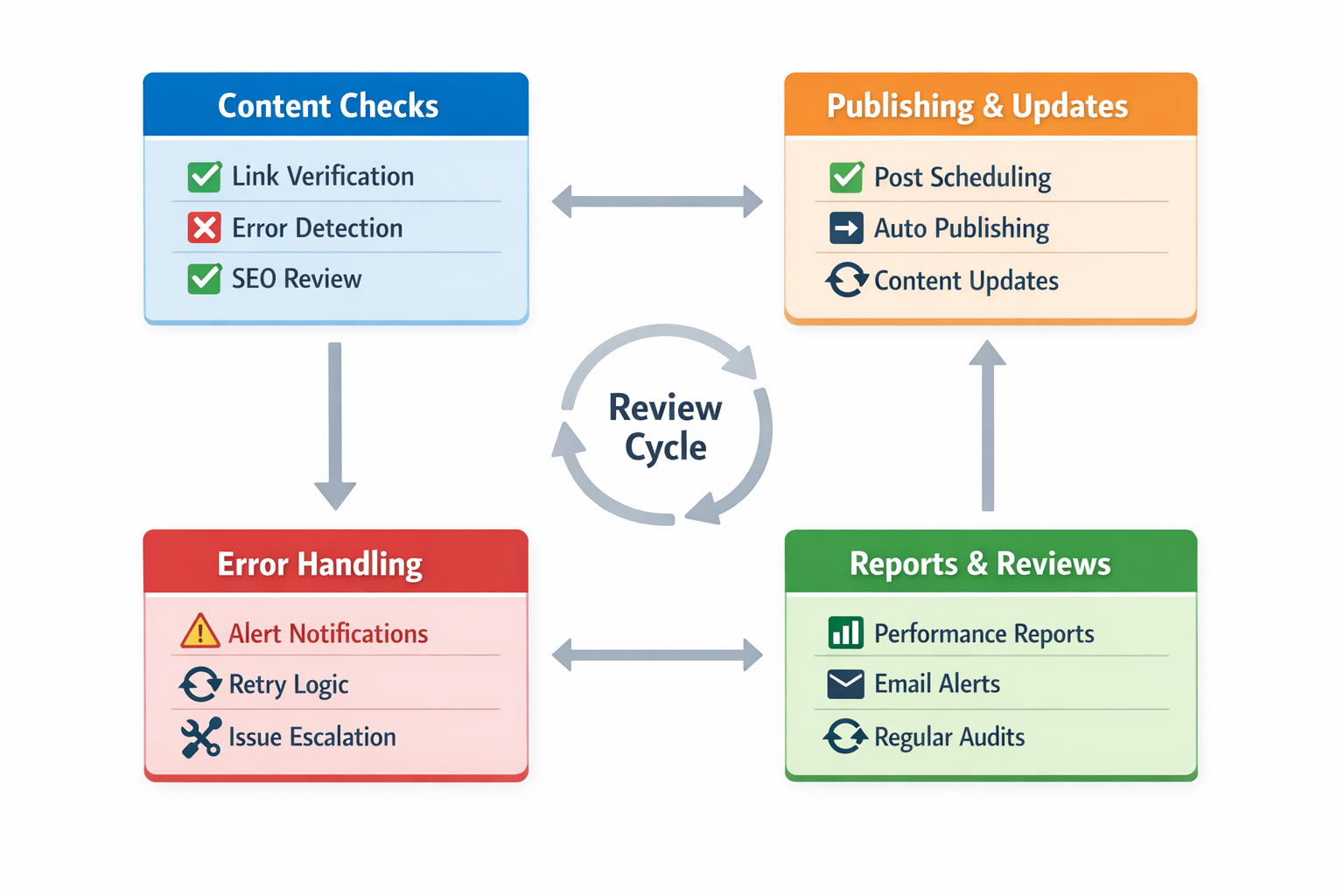
A broken automation without a fallback is just delayed manual work. Decide what should retry, what should alert, and what should stop safely.
For example, a sitemap verification can retry once and then alert, but a publishing step that touches production may need to stop immediately and wait for review.
5. Ownership must be visible
If nobody clearly owns a workflow, it will decay. Decide who reads the output, who fixes failures, and who updates the rules when the site changes.
One owner does not have to build everything, but the workflow should always have a clear reader and a clear fixer.
6. Review cadence keeps systems honest
Even working automation drifts if nobody checks whether the outputs still match the operating goal. A simple recurring review loop is often enough.
A weekly or biweekly review is often enough at the start, as long as the team actually checks whether the workflow still serves the real operating goal.
What to lock first
If you are setting this up now, lock manual boundaries, workflow triggers, and failure handling first. Those three decisions remove most of the chaos before deeper automation work begins.
After that, go back to the unit page and split the next articles by checks, publishing loops, reporting, or review cadence. This page should remain the baseline rather than turn into another script collection.