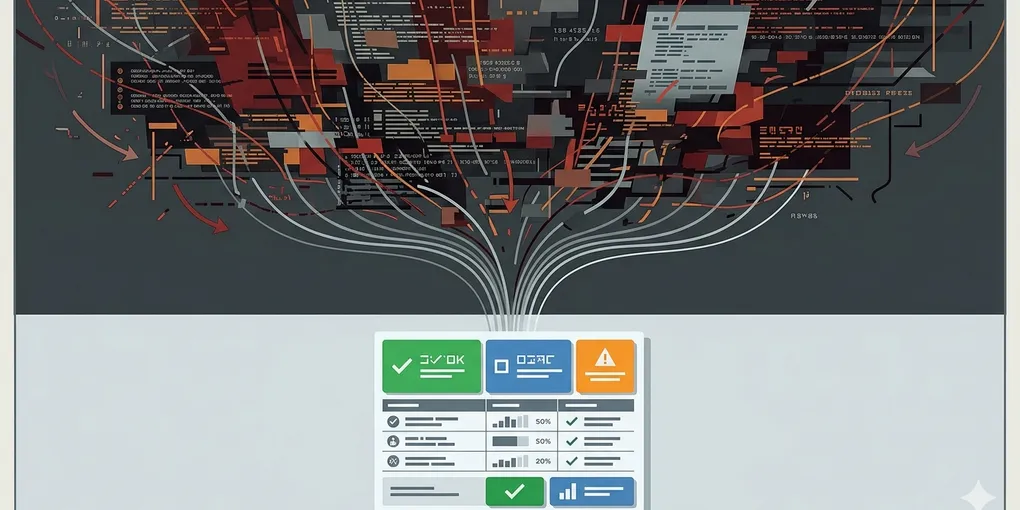
How to turn automation output into actionable ops reports
Automation often fails operationally long before it fails technically. The script runs, the logs exist, and the task technically completed, but the output still leaves the human operator asking the same question: what happened, and what should I do now?
That is why raw logs are rarely enough. Automation only starts helping once its output can be read as a short operating report instead of a log dump.
This post is about turning automation output into something a human can act on quickly. The goal is not prettier logs. The goal is making the next decision obvious.
1. The common mistake is assuming output exists, so reporting exists
Many systems technically report, but not in a form that reduces operating effort. They produce lines, stacks, timings, and raw state changes, then leave the operator to translate that into meaning.
That translation cost is the real problem. If a report still requires the original author to interpret it, the automation has not finished its job yet.
2. A useful ops report answers status, reason, and next action in one read
This is the core shift. A useful report is not a complete transcript of what the system saw. It is a decision aid.
That means one good report usually answers three questions immediately. What is the current status? Why did it end there? What should happen next?
Most noisy automation output fails because it answers only the middle layer, and even that poorly. It may expose the raw error, but not whether the workflow is blocked, degraded, or still acceptable. It may show the failed check, but not which follow-up action belongs to that failure. So the operator still has to reconstruct the situation from fragments.
That is why short structure beats high volume. A compact report with one clear status block, one short reason block, and one next-action block is often more useful than a hundred lines of raw output. In operations, readability is not cosmetic. It is response speed.
This is also where many teams underinvest. They automate checks and alerts, but not interpretation. The system detects the problem but still hands the cognitive burden back to the human. That creates a fake sense of automation maturity.
Once the output is structured around status, reason, and next action, the report becomes portable. The person reading it does not need to know the internals of the script. They only need to know how to respond.
3. Keep the status layer small and explicit
A small status vocabulary is enough for most workflows:
- passed
- failed
- needs review
Once status is fuzzy, everything after it becomes slower to read.
4. Separate failure reason from next action
People often merge these. They write a long error paragraph that mixes diagnosis with instructions. That makes the report harder to scan.
A better pattern is simple: one short block for what failed, one short block for what the operator should do. The reason explains the break. The next action explains the response.
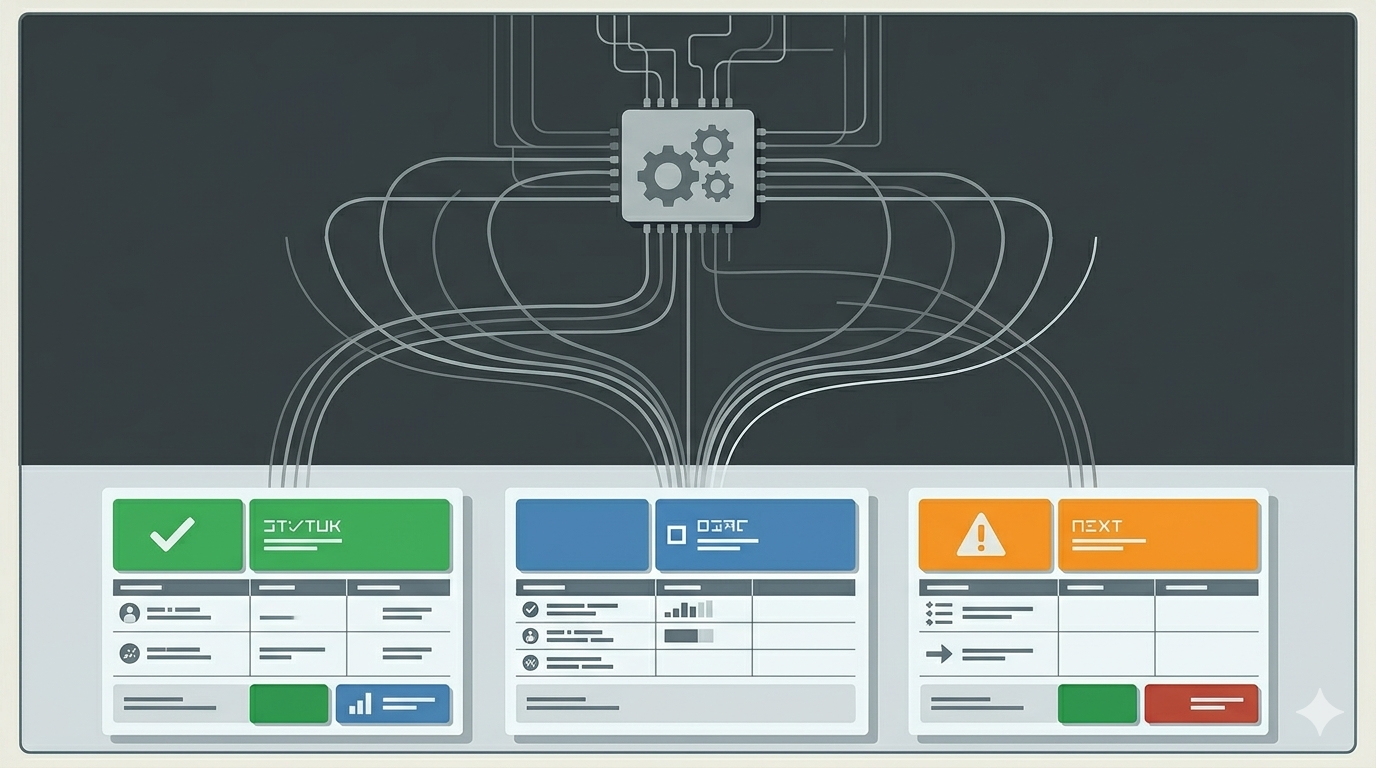
5. One concrete example makes the difference obvious
A weak report says something like “RSS validation failed with fetch error.” A stronger report says the validation failed, the feed URL returned the wrong content type, and the next action is to verify the public feed response before retrying deploy. The second version is not longer by much, but it is far more useful.
The same applies to deploy verification. “Homepage check failed” is a signal. “Homepage check failed because production returned HTML fallback on the expected post route; stop promotion and inspect routing config” is an operating report.
What to do first
Pick one existing automation output and rewrite it into three fields only: status, failure reason, and next action. If the result becomes easier to forward to someone else, you are moving from logs toward real operations reporting.